
Master WordPress with Expert Guides
Comprehensive tutorials, honest reviews, and affiliate recommendations for WordPress themes, plugins, and hosting. Build stunning websites with our step-by-step guides and trusted product reviews.
Get Weekly WordPress Tips
Everything You Need for WordPress Success
From beginner tutorials to advanced techniques, honest reviews to affiliate recommendations - your complete WordPress resource hub.
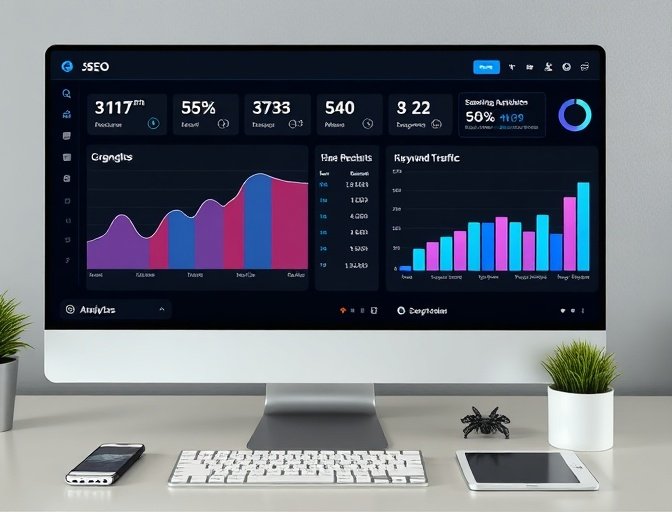
SEO
Master WordPress SEO with comprehensive guides on optimization techniques, research, and ranking strategies to boost your website's visibility.
Learn More 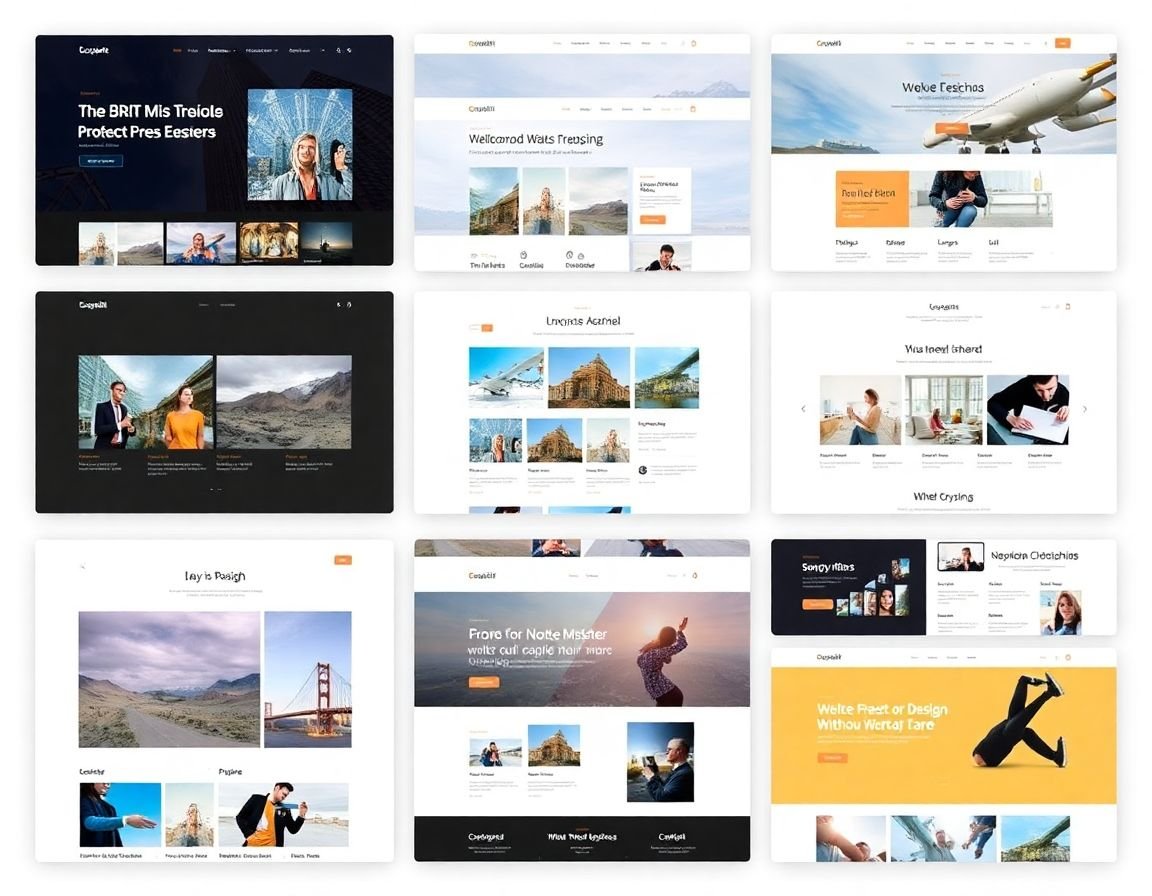
Themes
Discover beautiful WordPress themes with detailed reviews, customization tutorials, and expert recommendations for every website type.
Learn More 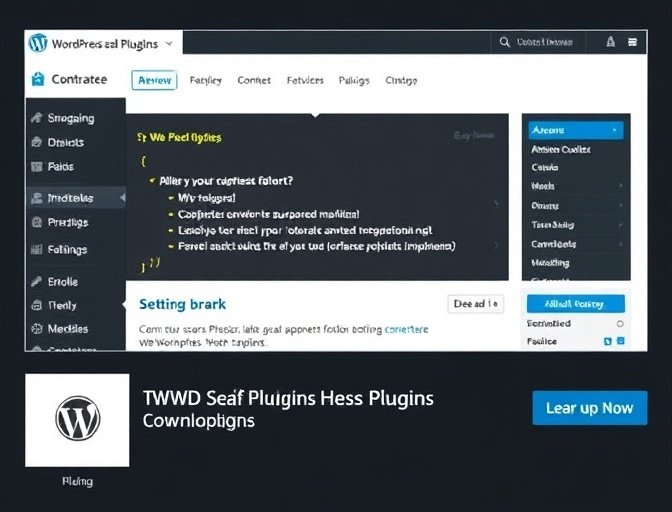
Plugins
Explore essential WordPress plugins with in-depth reviews, installation guides, and configuration tutorials for enhanced functionality.
Learn More 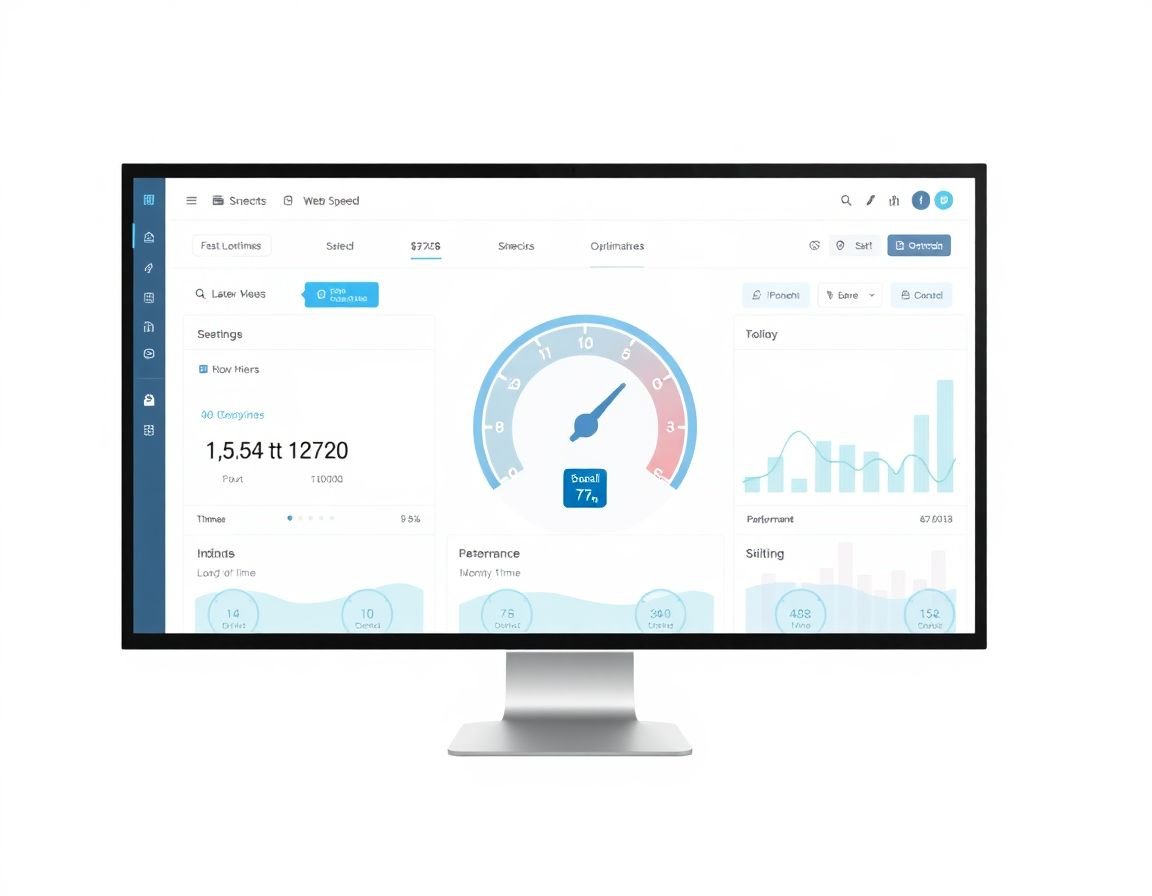
Optimizations
Learn advanced optimization techniques to improve website speed, performance, and user experience with proven strategies.
Learn More 
Installation
Step-by-step WordPress installation guides covering manual setup, one-click installers, and initial configuration for beginners.
Learn More 
Security
Protect your WordPress site with comprehensive security guides, best practices, and essential tools for safeguarding your website.
Learn More 
Security
Protect your WordPress site with comprehensive security guides, best practices, and essential tools for safeguarding your website.
Learn More 6 Simple Steps to Your WordPress Website
Follow our proven step-by-step process to create a professional website in less than an hour. No technical experience required!
Choose Your Hosting
Select a reliable WordPress hosting provider. We recommend Bluehost, SiteGround, or WordPress.com for beginners.
- Compare hosting plans and pricing
- Look for one-click WordPress installation
- Ensure 24/7 customer support
- Check for free SSL certificates
Install WordPress
Most hosting providers offer one-click WordPress installation. Follow our step-by-step guide for manual installation.
- Use one-click installer from hosting panel
- Choose your domain name
- Set up admin username and password
- Configure basic settings
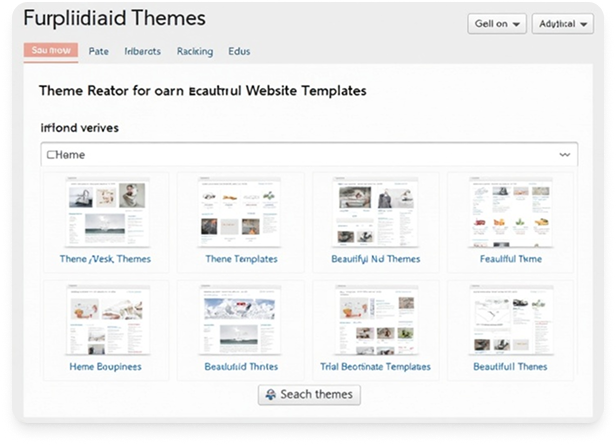
Select a Theme
Browse thousands of free and premium themes. Choose one that matches your website's purpose and style.
- Browse WordPress theme directory
- Preview themes before installing
- Consider mobile responsiveness
- Check theme ratings and reviews
Customize Your Site
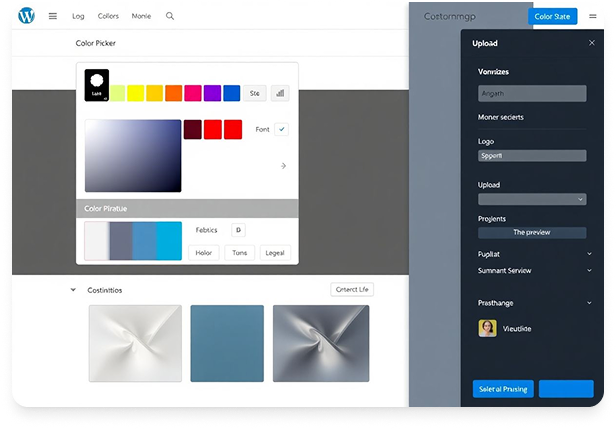
Use the WordPress Customizer to modify colors, fonts, layouts, and add your content and branding.
- Upload your logo and favicon
- Customize colors and fonts
- Set up navigation menus
- Add widgets to sidebars
Add Essential Plugins
Install important plugins for SEO, security, backups, and functionality to enhance your website.
- Install Yoast SEO for search optimization
- Add security plugins like Wordfence
- Set up backup solutions
- Install contact form plugins
Launch Your Website
Test everything, optimize for search engines, and promote your new website to start attracting visitors.
- Test all pages and functionality
- Optimize images and loading speed
- Submit sitemap to Google
- Share on social media platforms

Essential WordPress Resources
Everything you need to build, customize, and grow your WordPress website. All resources are carefully selected and regularly updated.
Free Tools
Official WordPress download, themes, plugins, and documentation.
Analyze website speed, Core Web Vitals, and performance issues.
Monitor indexing, search queries, and SEO performance.
Track traffic, user behavior, and conversions.
Detailed performance reports with actionable recommendations.
Recommended Hosting
Affordable hosting with great performance for small to medium sites.
Managed WordPress hosting with excellent customer support.
Premium managed WordPress hosting powered by Google Cloud.
CDN, DNS, and security services to improve speed and protection.
Essential Plugins
Create custom fields and flexible content layouts.
Easy backups and restores for WordPress sites.
Improve site speed by serving cached pages.
Optimize SEO titles, meta descriptions, and sitemaps.
Firewall, malware scanning, and login protection.
Learning Resources
Official guides for themes, plugins, hooks, and REST API.
Free courses and workshops from the WordPress community.
Beginner-friendly tutorials and WordPress guides.